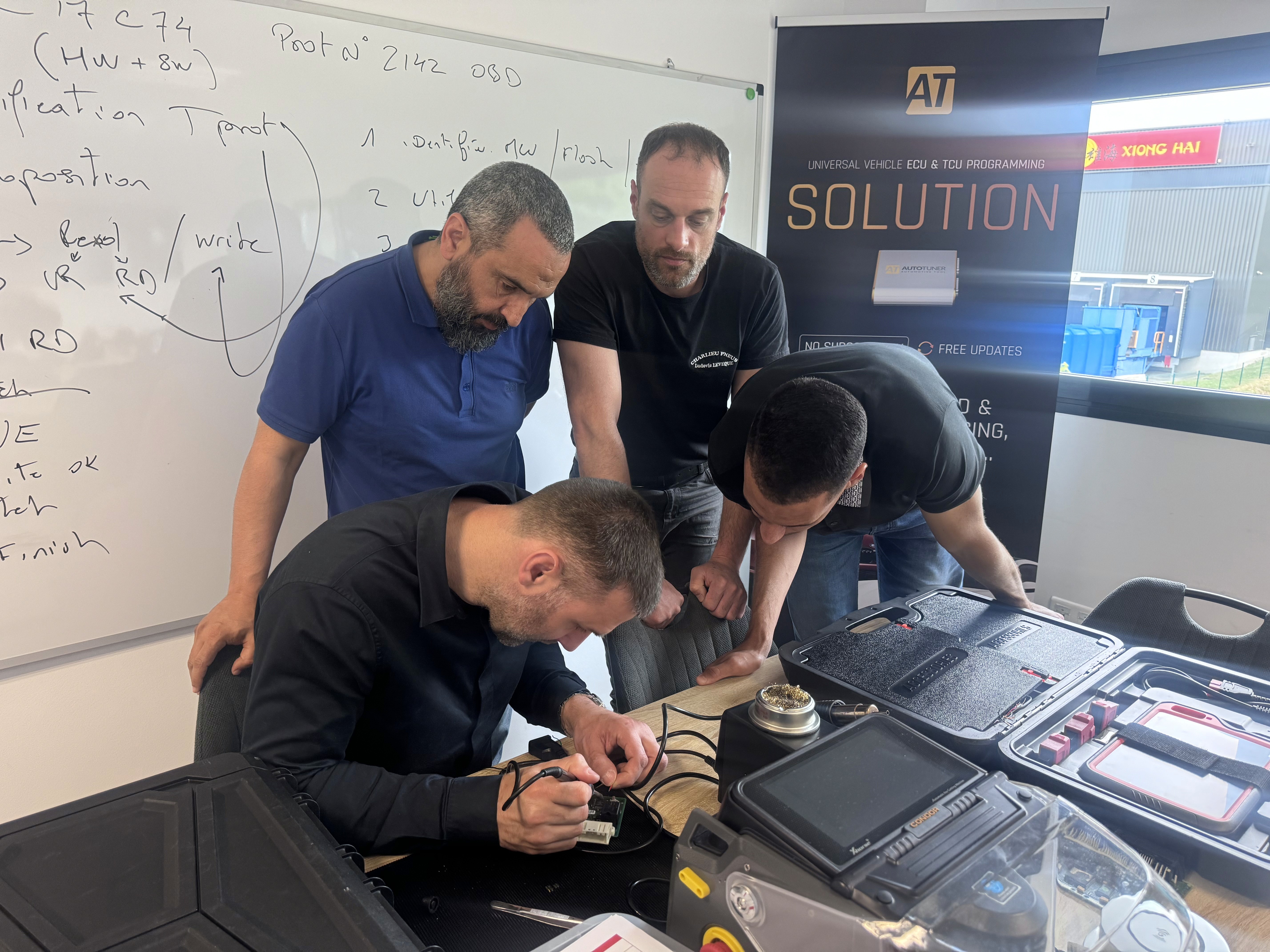
Un homme surfant
Groupe d'hommes debout avec une planche de surf

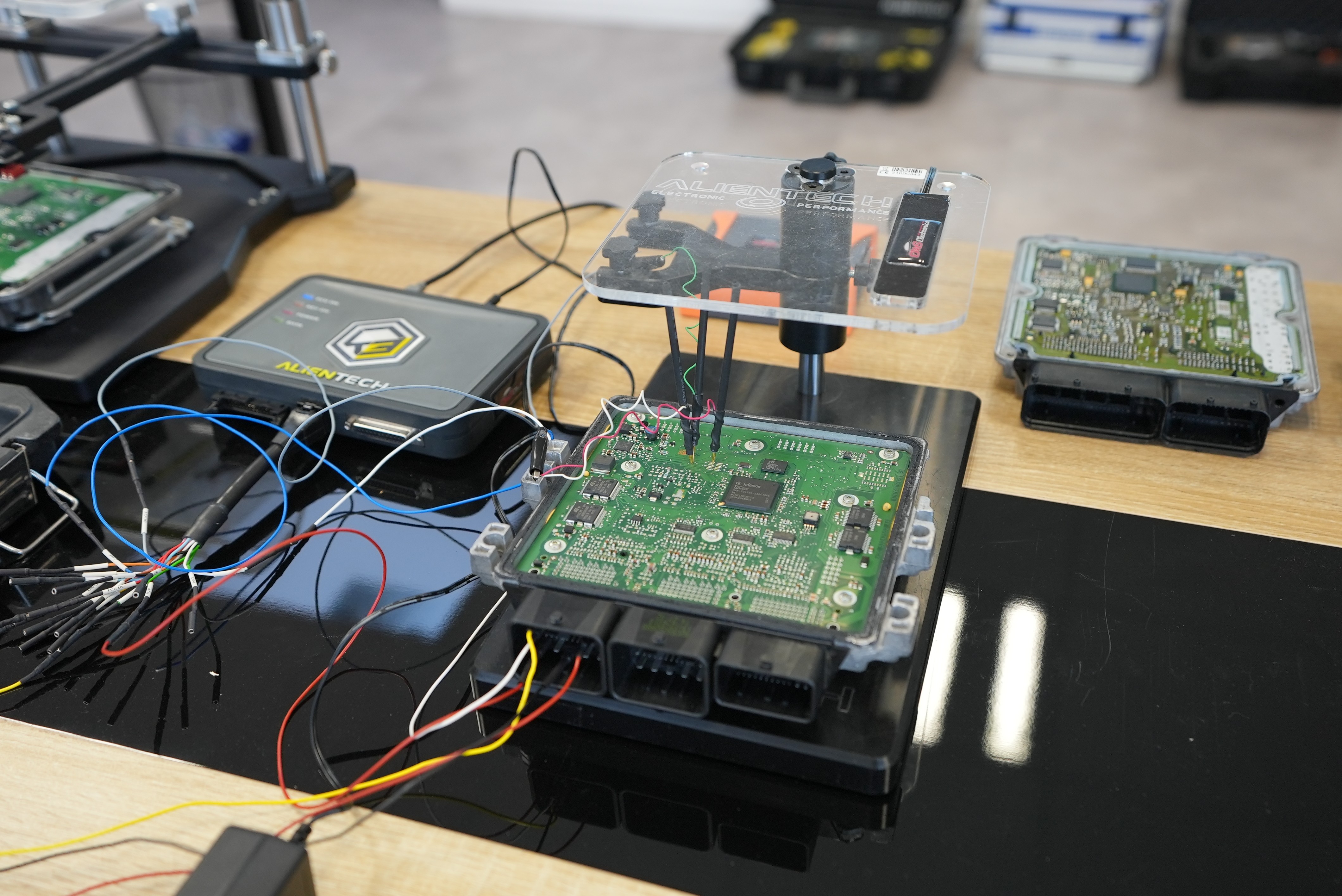
Engine Map Calibration and Modification

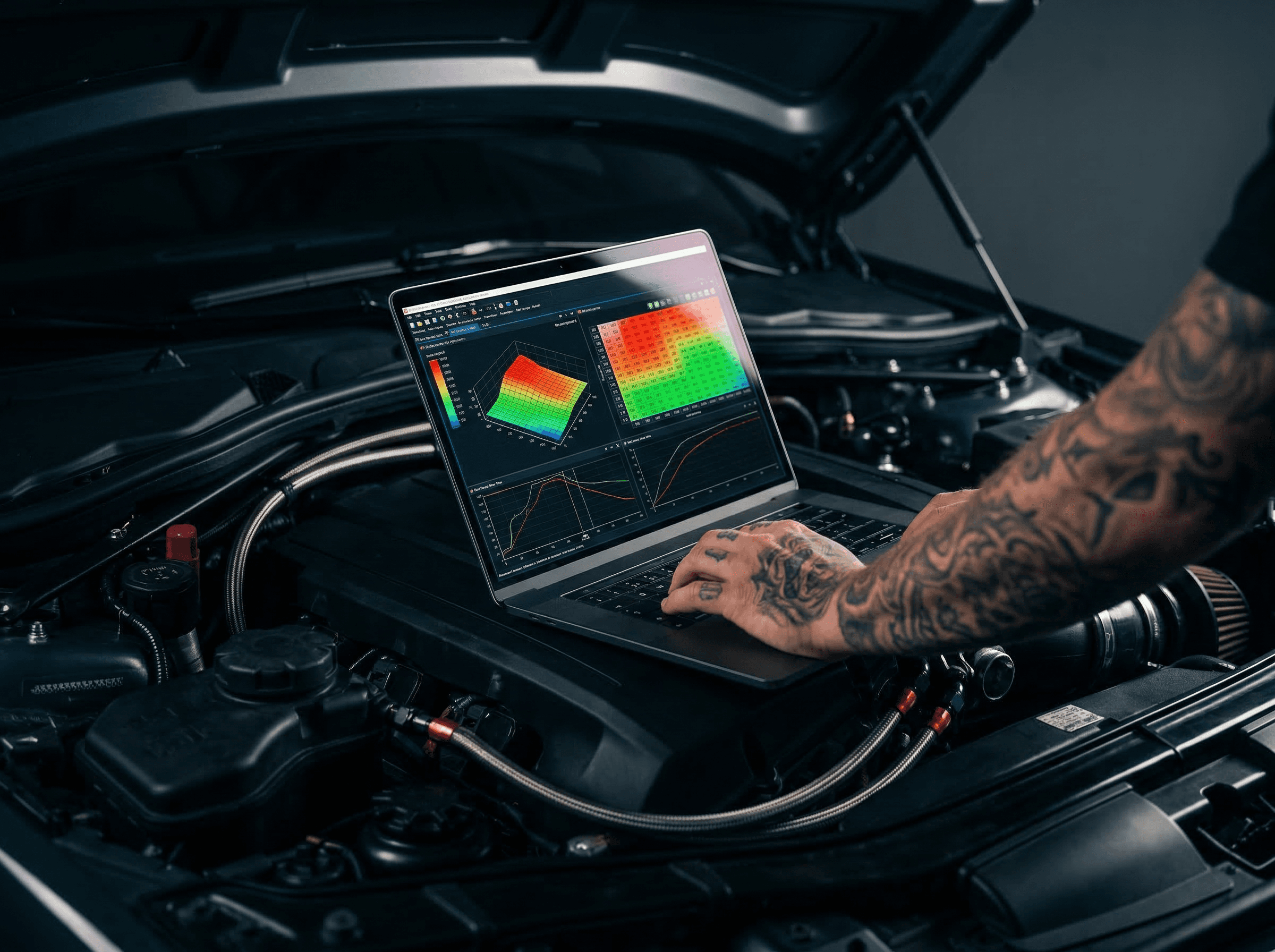
This hands-on course takes you deep into engine calibration teaching you how to read, analyze, modify, and validate ECU maps to optimize power, torque, fuel efficiency, and driveability on any platform.

20 hours In-Person Training + E-Learning Content

Go beyond remapping learn to build your own maps from scratch.

Ideal for experienced technicians or preparers.

Location: EMS Electronics Miami Campus + online learning platform
Prerequisites: Professional experience or background in automotive, embedded electronics, or engine tuning
Target audience: Professionals and motivated individuals
Accessibility: Designed to accommodate remote learners and working professionals
Access timelines: Start within 15 business days of enrollment

Pricing: $2,490 HTVA
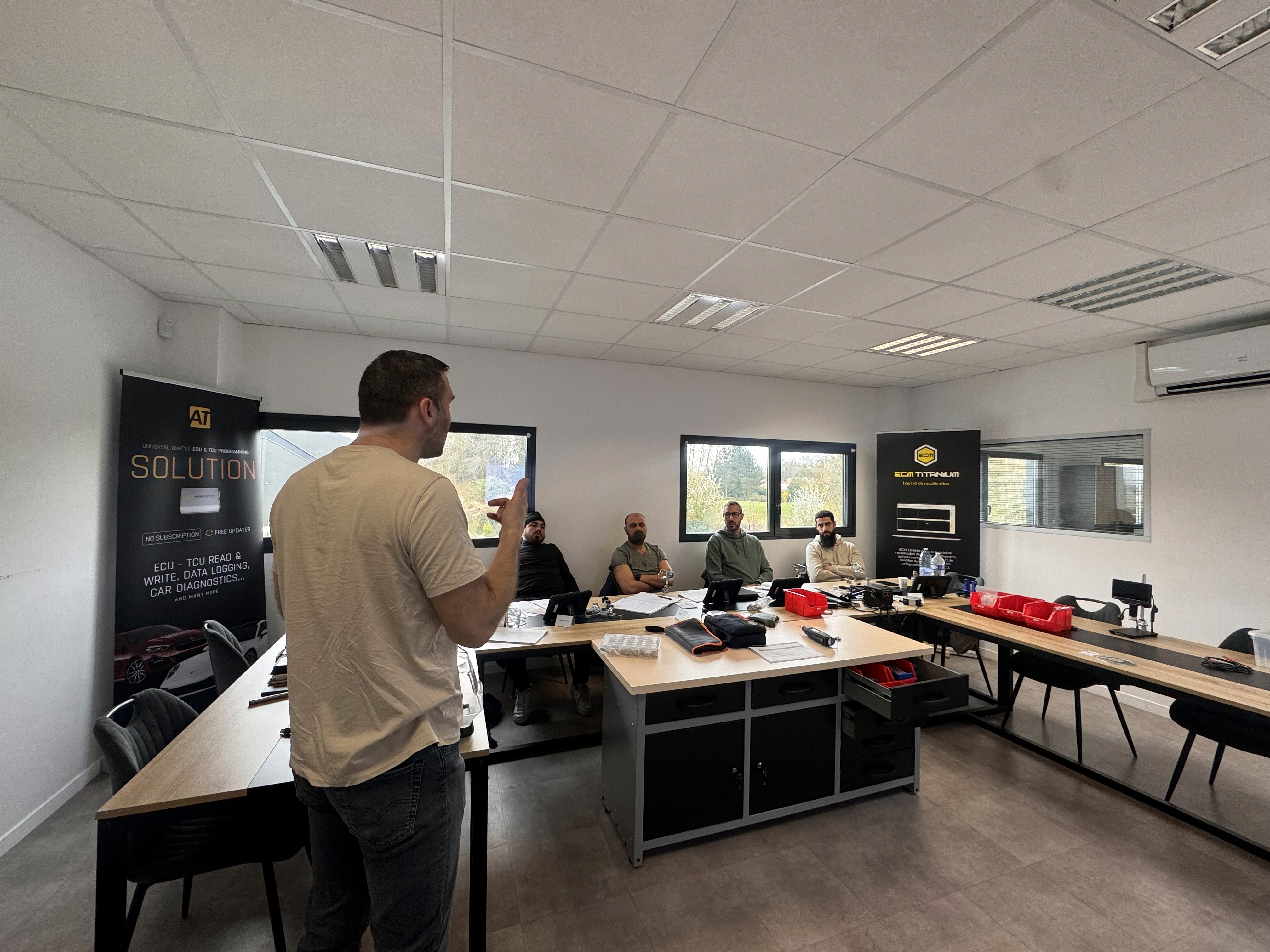
A man standing with a surfboard
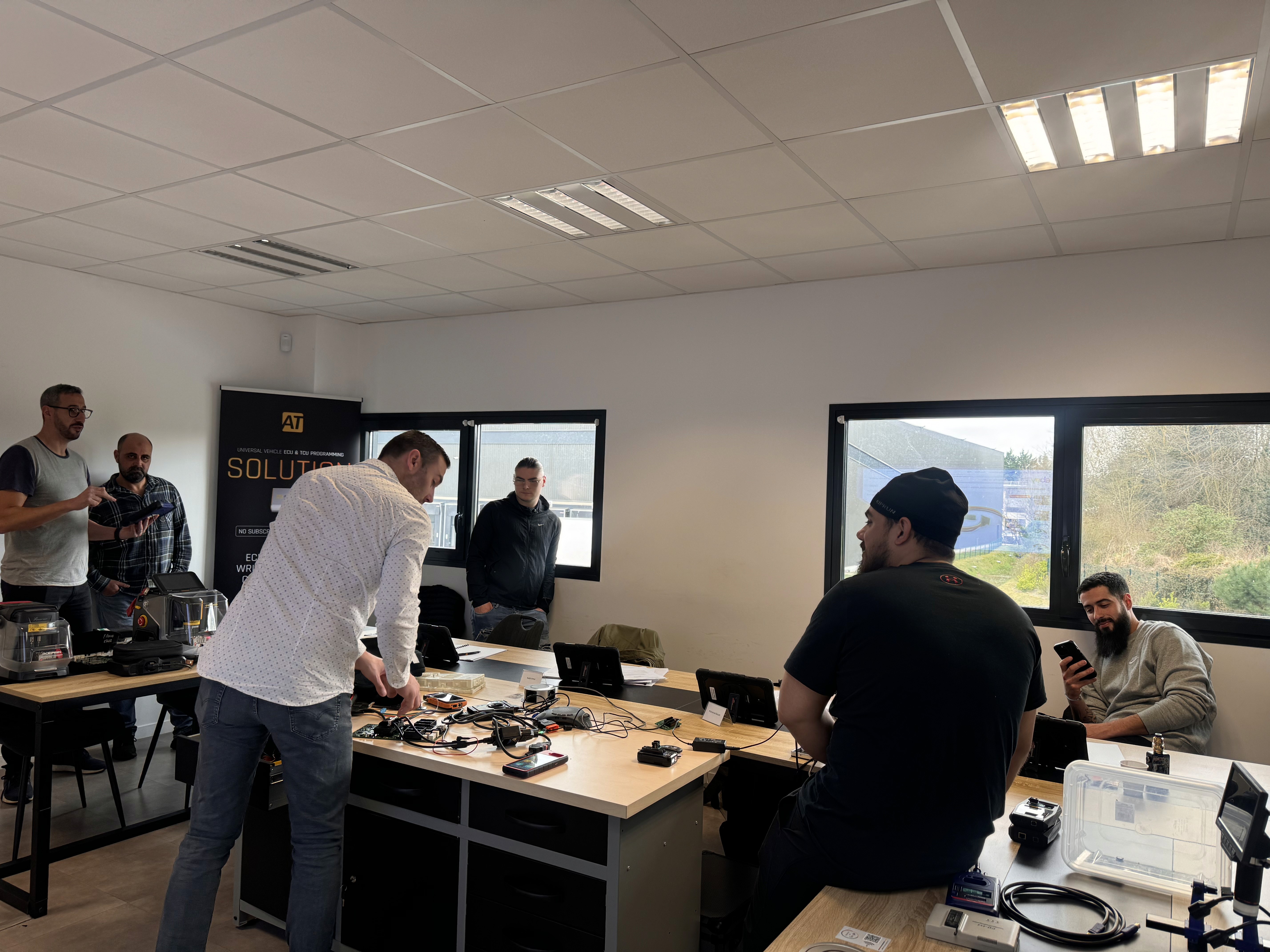
Un homme surfant

INTRODUCTION & PRESENTATION

What you will learn
C5

Analyze the hexadecimal files of the calculators using the interpretation of hex dumps, the use of specialized software, and the calculation of checksums, with the aim of securely manipulating raw data.

This section aims to provide the necessary technical foundations to interpret and manipulate the raw files extracted from the engine controllers.

The objectives are:

Discover and understand the nature of hexadecimal files used in ECUs.

Identify the possible types of reading and know how to interpret a hex dump file.

Know the structure of files and understand the associated functions.

Design adaptations related to the immobilizer (immobilizer) or perform an immobilization-off via software or by dump analysis.

Use the software Rocket Dump and AARK Kommander for extraction and interpretation.

Master calculations and corrections of checksums to ensure data consistency.

C6

Edit the files of the calculators using mapping software and hexadecimal editors, in order to modify engine or transmission parameters in accordance with the intervention objectives.

C6.1

Make file changes with Swiftec mapping software

C6.2

Make file modifications with the Winols mapping software

C6.3

Make file modifications with the ECM Titanium mapping software

This section focuses on modifying ECU files for optimization or specific adaptations.

The developed skills include:

Knowing how to use mapping software and hex editors to modify files.

Make simple comparisons and perform partial or complete copies of maps.

Choose the appropriate programming software based on the desired intervention (Step 1, switching to Flex E85, DPF/EGR/SCR removal…).

Use:

Swiftec for the automatic removal of anti-pollution elements and basic settings.

WinOLS for advanced editing and custom map creation.

ECM Titanium for quick and assisted interventions on engine control units.

Learn to leverage a damos (drivers) and create a mappack from a reference file

Design adaptable mappings: Flexible fuel E85, Gasoline engine, Diesel engine

C5

Analyze the hexadecimal files of the calculators using the interpretation of hex dumps, the use of specialized software, and the calculation of checksums, with the aim of securely manipulating raw data.

This section aims to provide the necessary technical foundations to interpret and manipulate the raw files extracted from the engine controllers.

The objectives are:

Discover and understand the nature of hexadecimal files used in ECUs.

Identify the possible types of reading and know how to interpret a hex dump file.

Know the structure of files and understand the associated functions.

Design adaptations related to the immobilizer (immobilizer) or perform an immobilization-off via software or by dump analysis.

Use the software Rocket Dump and AARK Kommander for extraction and interpretation.

Master calculations and corrections of checksums to ensure data consistency.

C6

Edit the files of the calculators using mapping software and hexadecimal editors, in order to modify engine or transmission parameters in accordance with the intervention objectives.

C6.1

Make file changes with Swiftec mapping software

C6.2

Make file modifications with the Winols mapping software

C6.3

Make file modifications with the ECM Titanium mapping software

This section focuses on modifying ECU files for optimization or specific adaptations.

The developed skills include:

Knowing how to use mapping software and hex editors to modify files.

Make simple comparisons and perform partial or complete copies of maps.

Choose the appropriate programming software based on the desired intervention (Step 1, switching to Flex E85, DPF/EGR/SCR removal…).

Use:

Swiftec for the automatic removal of anti-pollution elements and basic settings.

WinOLS for advanced editing and custom map creation.

ECM Titanium for quick and assisted interventions on engine control units.

Learn to leverage a damos (drivers) and create a mappack from a reference file

Design adaptable mappings: Flexible fuel E85, Gasoline engine, Diesel engine

Un homme surfant
A man standing with a surfboard

Pedagogical approach

Pedagogical approach

20-hour module focused on advanced engine mapping modification skills and mastery of binary data.

  • Progression in 2 phases: understanding ECU files (C5) followed by expert modification (C6)

  • Progressive learning of mapping, from reading to autonomous creation

  • Mastery of the software ecosystem (Winols, ECM Titanium, Swiftec)

  • Adapted practical cases (gasoline, Diesel, E85) and securing interventions

90-hour active training: intensive practice and gradual empowerment in engine control programming.

  • Spiral progression: fundamentals followed by advanced skills

  • Projects on real ECUs and professional cases (stage 1, E85)

  • 50 hours in-person (hands-on, demos) + 40 hours e-learning (theory, tutorials)

  • Mastery of tools (Kess, Winols...) and security (checksums, compliance)

Phase 1

Day 1 to 2 — Understanding and analysis

Day 1 to 2 — Understanding and analysis

Decode the structure of ECU files

Mastering hexadecimal reading and dump analysis.

Foundations of mapping

Hexadecimal reading, ECU file structure, identification of critical areas (immo, checksums). Laying the groundwork for intervention in mapping modification.

Phase 2

Day 3 to 4 — Electronic Intervention

Day 3 to 4 — Electronic Intervention

Manipulation and identification

Develop welding skills and recognition.

Technical intervention

Manipulating real estate files, precision soldering/desoldering, transponder identification (HITAG, MEGAMOS). Acquire technical dexterity.

Phase 3

Day 5 — Application and Security

Day 5 — Application and Security

Real engine optimization cases

Validate complete operational mastery.

Professional projects

Essence/Diesel cartographies, E85 conversions, Stage 1 optimizations, safety protocols. Ensure compliance and traceability.

CONCLUSION

The expertise in mapping that you will master

The expertise in mapping that you will master

A 20-hour specialization dedicated to advanced engine mapping modifications.

Analysis of ECU files

Read and analyze hexadecimal files, understand their structure, and identify sensitive areas.

Analysis of ECU files

Read and analyze hexadecimal files, understand their structure, and identify sensitive areas.

Proficiency in mapping software

Use Winols, ECM Titanium, and Swiftec effectively to create and adapt mappings.

Proficiency in mapping software

Use Winols, ECM Titanium, and Swiftec effectively to create and adapt mappings.

Creation of optimized maps

Design optimized mappings (Stage 1, E85, deletions) while respecting mechanical limits.

Creation of optimized maps

Design optimized mappings (Stage 1, E85, deletions) while respecting mechanical limits.

Management of mappacks and damos

Create mappacks from damos and structure your files to increase productivity.

Management of mappacks and damos

Create mappacks from damos and structure your files to increase productivity.

Security and checksums

Calculate, verify the checksums and secure each intervention to avoid the risk of ECU blockage.

Security and checksums

Calculate, verify the checksums and secure each intervention to avoid the risk of ECU blockage.

Positioning as a specialist engine

Position yourself as an expert in engine optimization and increase the value of your services.

Positioning as a specialist engine

Position yourself as an expert in engine optimization and increase the value of your services.

CALENDAR

Our training calendar 2026

April 2026

-

-

April 2026

-

-

May 2026

From May 11, 2026 to May 13, 2026

References: AF_0000214575 - SE_0001343272

May 2026

From May 11, 2026 to May 13, 2026

References: AF_0000214575 - SE_0001343272

June 2026

-

-

June 2026

-

-

April 2026

-

-

June 2026

-

-

May 2026

From May 11, 2026 to May 13, 2026

References: AF_0000214575 - SE_0001343272

DO YOU STILL HAVE DOUBTS?

FAQs

Here are the answers to the questions we are most often asked.

Who are EMS programs designed for?

Where do classes take place?

When can I enroll, and how does it work?

Are there financing or funding options available?

Do I need prior experience to join a full certification program?

Miami, FL

Miami, FL

Miami, FL